Manual Mode
What is the Manual Mode?
Welcome to the introduction of the Manual Mode! Unlike Automatic mode, in a Manual Mode, an operator can make minor adjustments if necessary. This mode is responsible for manual control of each Roson-ST function.
In the next sections you will be able to learn more about Manual Mode screens and its Controls, such as:
Drive Units: Drive Units overview.
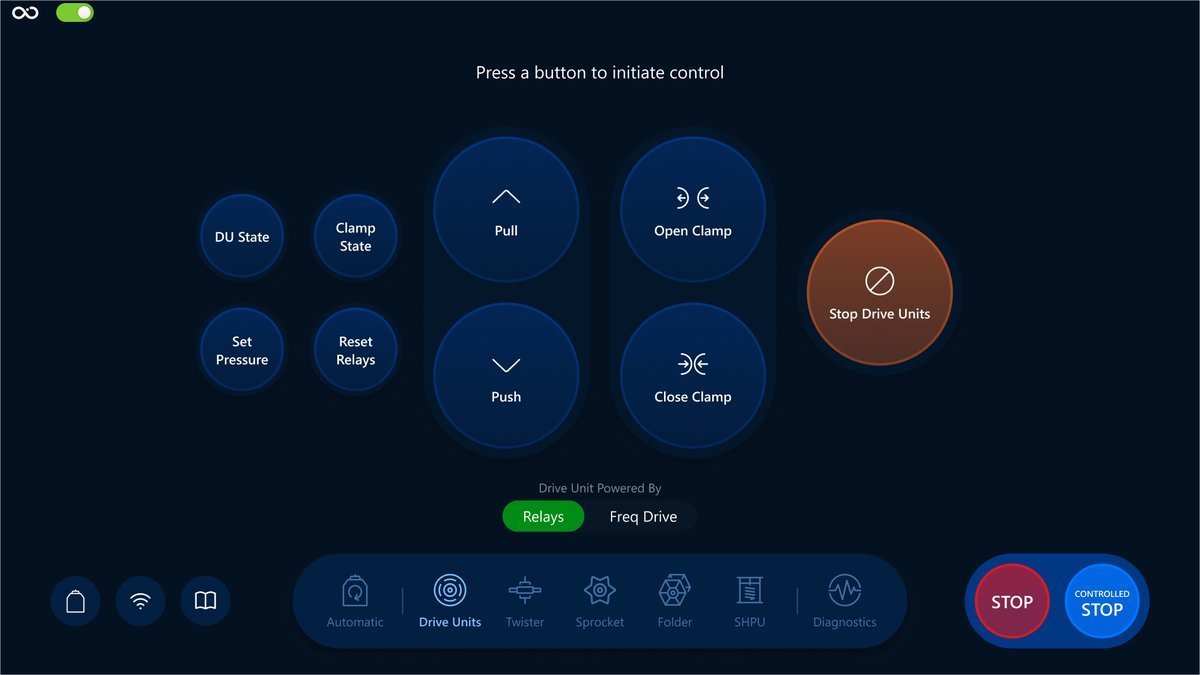
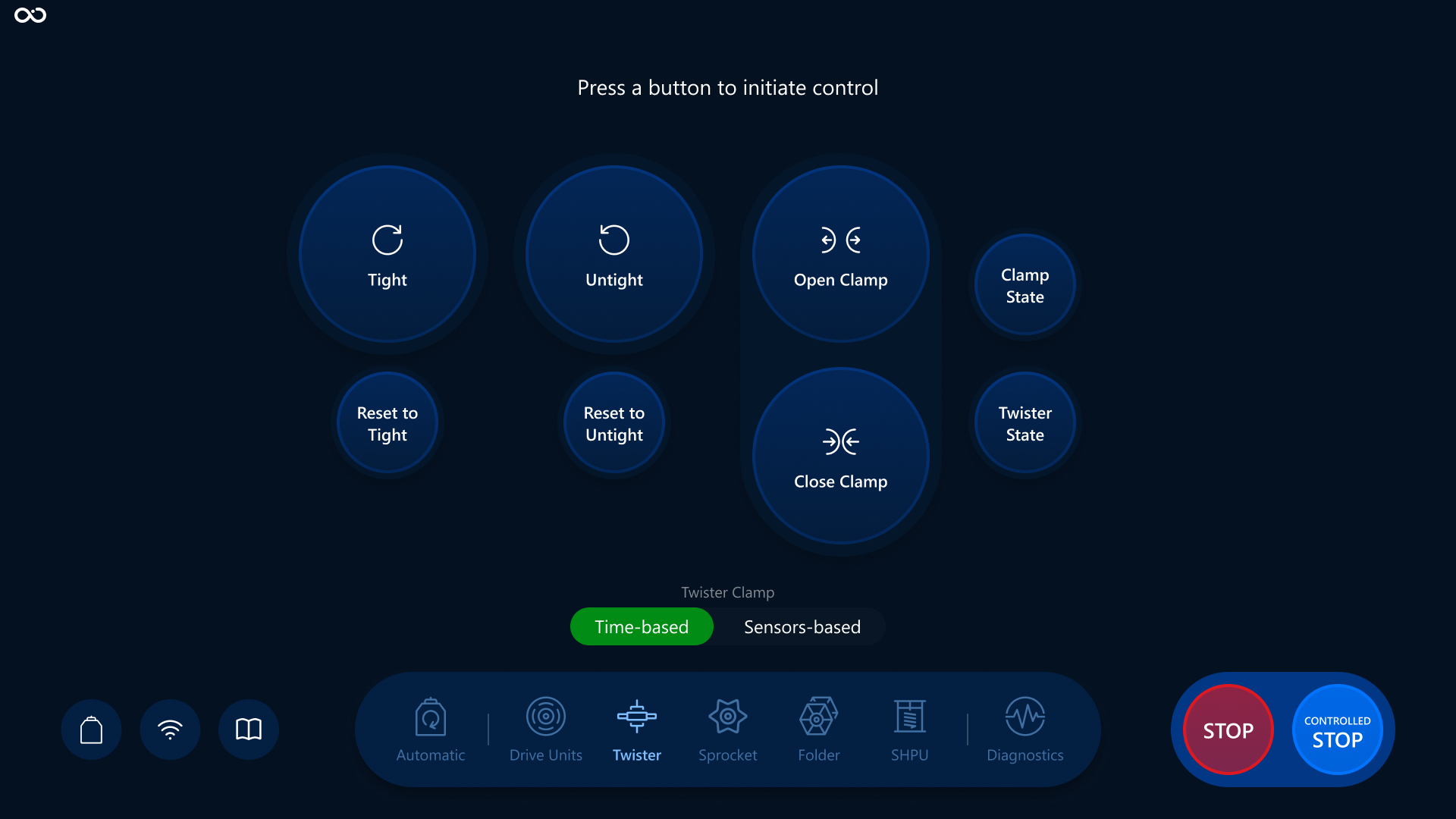
Twister: Twister overview.
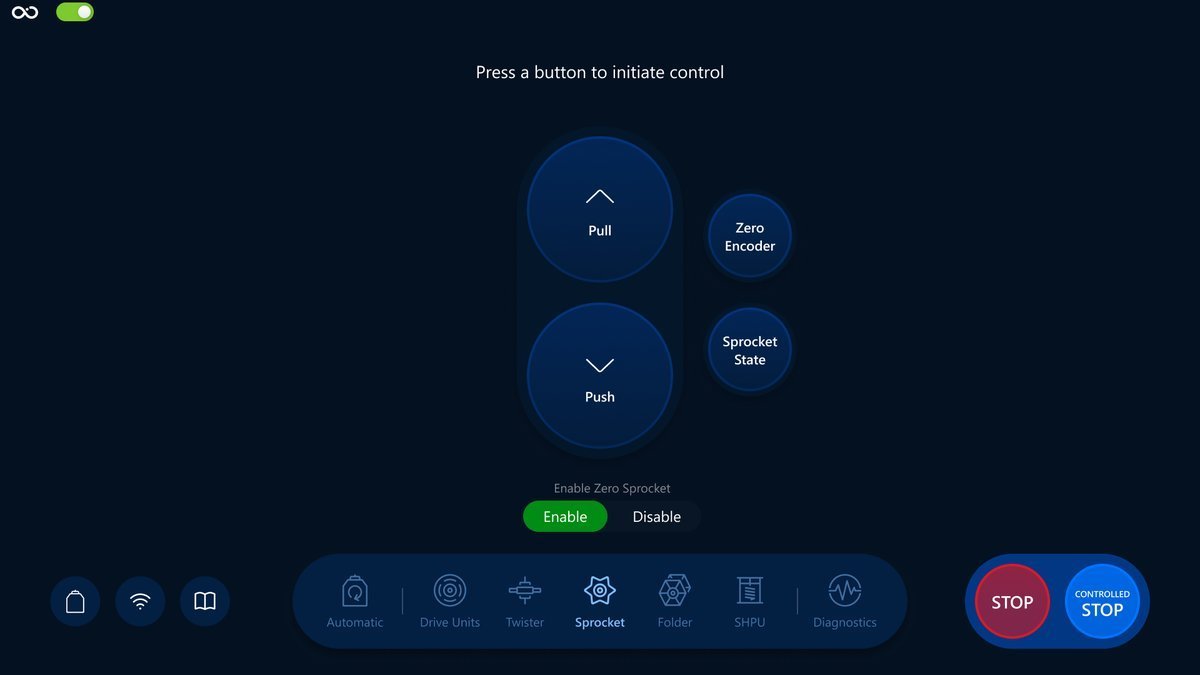
Sprocket: Sprocket overview.
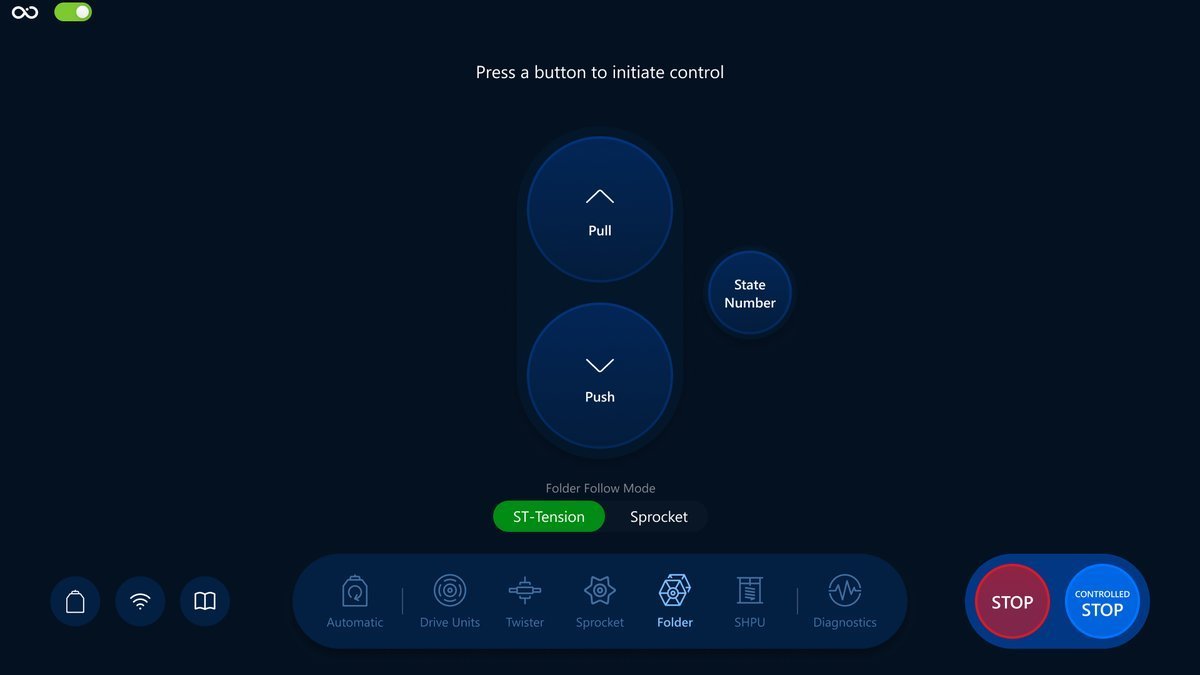
Folder: Folder overview.
SHPU: SHPU overview.
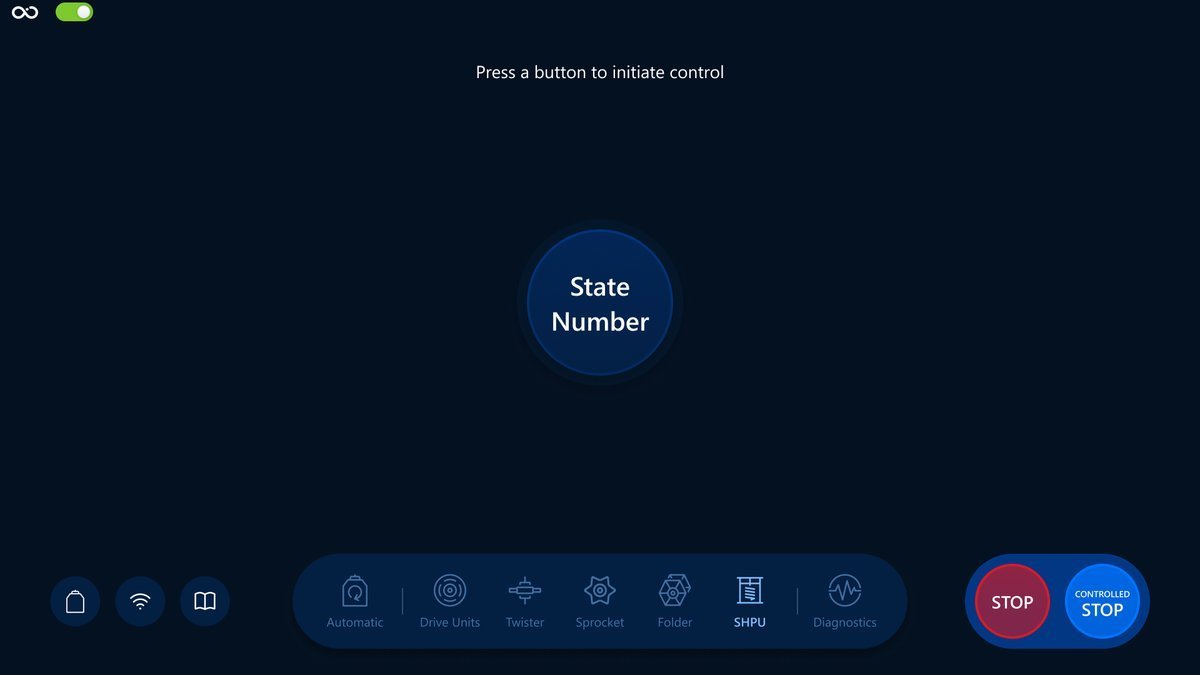
Navigation
Choose one of the listed above screens you need and tap on the icon in the navigation bar for navigation. Here is an example with the Drive Units screen:
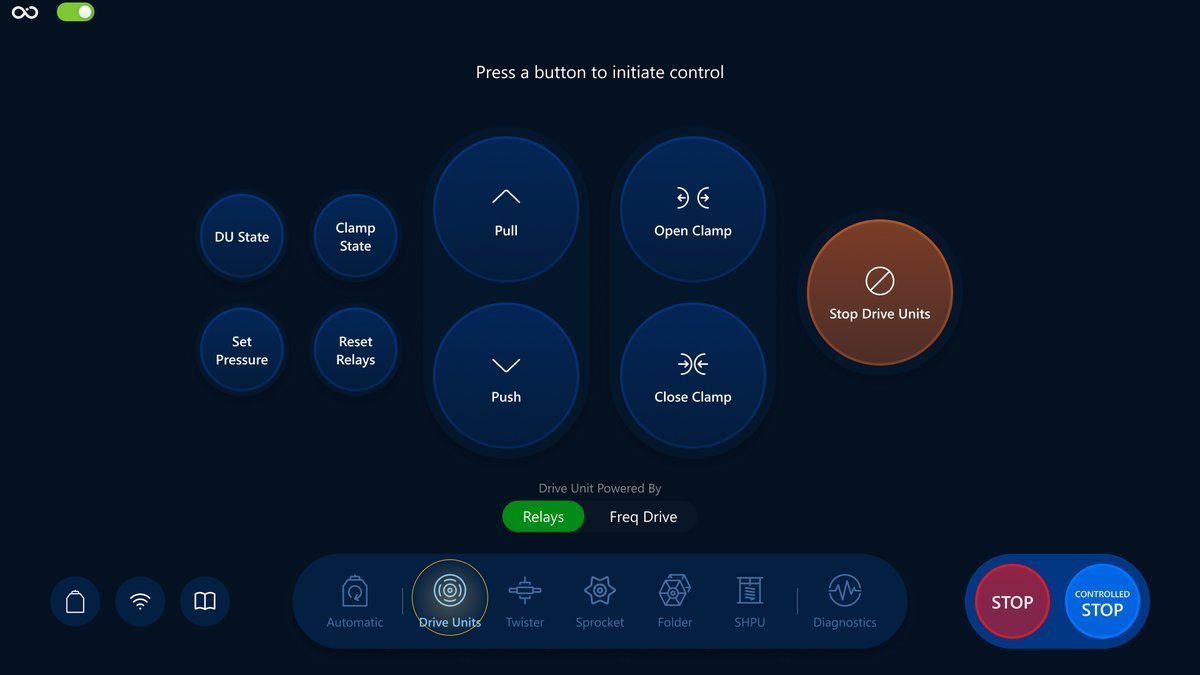
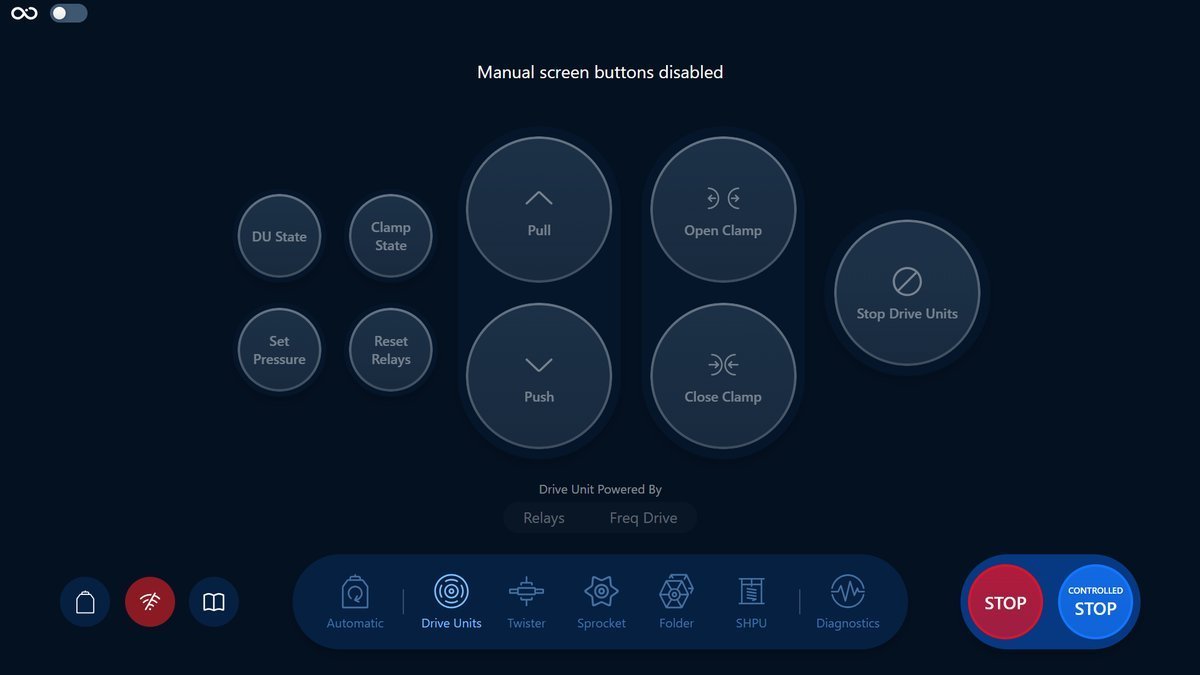
Button disable toggle
Like in the automatic screen, the manual screens have a single toggle to disabled all the buttons in all of the manual screen, positioned in the top left corner of the screen
Next section
Feel free to continue with the Drive Units screen by following this link: Drive Units overview.